Not so long ago, access to the internet was via dial-up connection and kettles across the country were switched on as people waited for the screen to display the World Wide Web, it was that bad! In just a few years broadband has arrived making things much faster. Wireless broadband has been another improvement and with it came the wireless router.
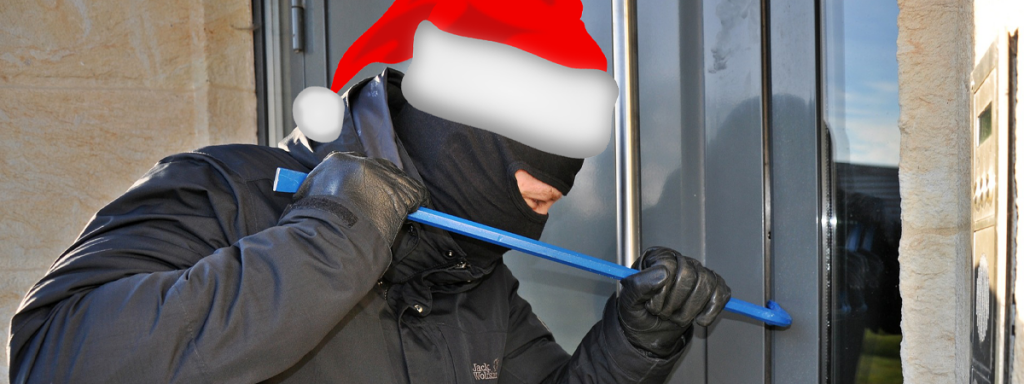
Today, a broadband connection is not just limited to serving one computer. A wireless router will make it easy to connect every computer in the home, but if the homeowner is not careful the wireless router can give access to more than just the people it was intended for. No one wants to make a claim on the household insurance because a door or window has been left open. Making sure all the computers are safe, especially the WiFi connection is just as important as locking doors and windows. Wireless sharing is a good way to make the most of a broadband internet connection, it can also raise some security issues, but a properly configured wireless network could actually make all the computers safer, this is due to the router’s built in firewall. Not only can every computer gain access to the internet at the same time, but when a wireless router is set up correctly other devices like printers, PDAs, cameras and internet telephone handsets can also take advantage of the wireless capabilities.
Using a wireless router is definitely the most convenient way of getting the best from broadband. A wired router leaves a trail of chunky Ethernet cables all over the home. It is possible to do without a router and instead use Windows Internet Connection Sharing which can turn one of the computers into an internet gateway. However, by doing this the other computers in the home will only have a constant internet access if the gateway machine is constantly switched on, which to be fair is an expensive waste of electricity and will make a carbon footprint a few sizes bigger. However by installing a WiFi router it would solve all of these problems, and it is very easy to do.
A wireless router creates a network that all of the homes computers can use to access one broadband connection. It may sound complicated, but in reality it is very straightforward. The Wireless routers job is to act as a junction box that will join the network of the home together. The wireless router will connect to the broadband line through a modem, then each of the computers in the home will connect to the router either wirelessly or, maybe if it is in the same place as the router, it will be through one of its wired ports.
For a wired connection, the computer must have an Ethernet adaptor (which most recently released systems will have), built into the motherboard. To connect wirelessly, a computer must have a wireless network adaptor. If it is a laptop chances are it will have one built in already, if it is an older desktop that is being used they are very easy to add on. The kind of router needed depends on what the broadband connection is and also the existing hardware. If it is a cable modem with an Ethernet port, than this be can used with a new router. If however it is any kind of ADSL modem it is recommended that a router with an ADSL modem built in is used, because it is a lot easier to set up and does not cost much more.
If a wireless network is left unsecured, it will mean that anyone who is within range and who has a WiFi equipped computer would be able to use the broadband line, and have access to the computer and all the files connected to it. It may seem somewhat unlikely that a hacker will do this, but just bear in mind that ‘bandwidth stealing’ is becoming all too common.